
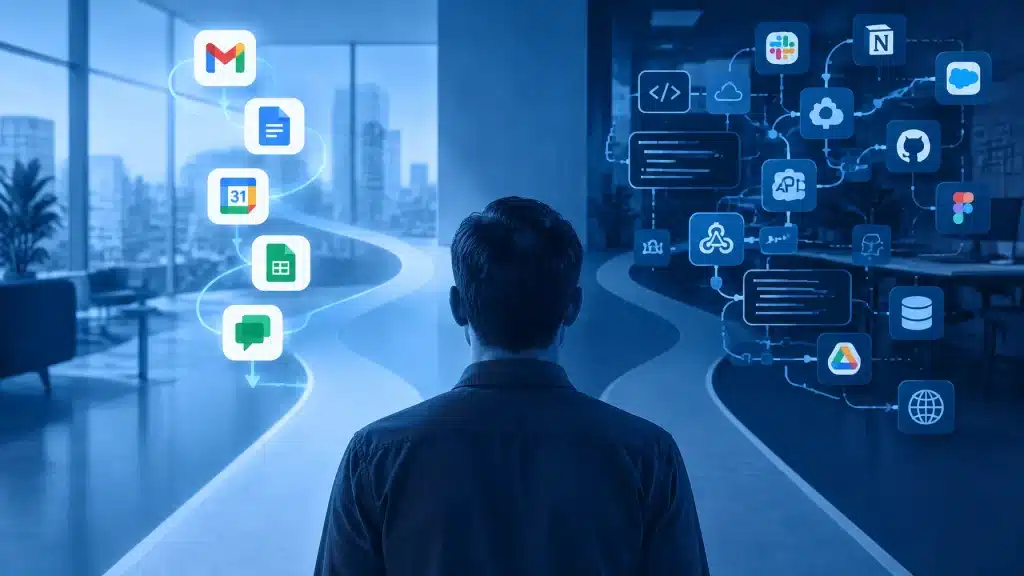
If your business already runs on Gmail, Google Drive, Docs, Sheets, Calendar and Chat, you may be wondering whether Google Workspace Studio vs DIY AI tools is the right conversation to have.
The short answer is this: for most small businesses already using Google Workspace, Workspace Studio is the simpler place to start. It keeps your data, automation and user access within the environment your team already knows.
DIY AI tools can still be useful. They may be the better choice when your workflows depend heavily on specialist software, multiple non-Google platforms or highly customised AI models.
The important thing is not to choose the tool with the longest feature list. Choose the option your business can use, secure and maintain without creating another technology headache.
What is Google Workspace Studio?
Google Workspace Studio is Google’s no-code automation tool for building AI-powered workflows inside Workspace.
You describe what you want in plain language, and Gemini helps create a flow. For example:
- Summarise new meeting notes and send the key actions to a Google Chat space.
- Label high-priority emails in Gmail.
- Save email attachments to a Drive folder.
- Extract information from an invoice and record it in Sheets.
- Prepare a meeting brief using Calendar details, documents and attachments.
- Draft follow-up messages after a meeting.
Google says Studio is designed to automate simple tasks and complex processes without coding or specialised syntax. It also offers pre-built steps, templates and connections to selected third-party applications.
That makes it particularly appealing for small businesses. You do not need a developer for every small improvement, and your team can work with familiar Google tools rather than learning an entirely separate automation platform.
What are DIY AI tools?
“DIY AI tools” can mean a few different things. Usually, it refers to building your own collection of automation and AI services using tools such as:
- Zapier, Make or n8n for connecting applications
- OpenAI, Anthropic or Gemini APIs for AI processing
- Apps Script, Python or other custom code
- Browser extensions and specialist plugins
- Separate databases, reporting tools or monitoring services
This approach can be powerful. You can connect a wide range of software, choose different AI models and design a workflow around your exact processes.
The trade-off is that you are responsible for putting all the pieces together. Someone must configure the connections, approve permissions, protect API keys, monitor failures, manage billing and update the workflow when one of the connected services changes.
That may be perfectly reasonable for a technically confident business. It can be a lot to take on when your main priority is serving customers and running the business.
Google Workspace Studio vs DIY AI tools: the main differences
| Consideration | Google Workspace Studio | DIY AI tools |
|---|---|---|
| Setup | No-code and written in plain language | Ranges from drag-and-drop to custom development |
| Best suited to | Gmail, Drive, Docs, Sheets, Calendar and Chat workflows | Complex workflows across many different platforms |
| User experience | Built around familiar Workspace applications | Staff may need to learn several new tools |
| Data access | Uses existing Workspace permissions | Requires separate connections and access scopes |
| Integrations | Google Workspace plus selected connectors and extensions | Often offers a very broad app marketplace |
| Governance | More centralised within the Workspace environment | Usually spread across several vendors |
| Pricing | Included with eligible Business and Enterprise Workspace plans, subject to plan and usage terms | Separate subscriptions, usage charges and maintenance costs |
| Flexibility | Strong within the Google ecosystem | Greater flexibility across systems and AI models |
The table gives you the broad picture, but the right choice depends on where your business information lives and who will be responsible for the workflow after it is built.
Where Google Workspace Studio is the better choice
Google Workspace Studio is usually the better starting point when most of your daily work happens in Workspace.
That includes businesses where:
- Gmail is the main customer and supplier communication tool.
- Documents and spreadsheets are stored in Drive.
- Staff use Google Calendar for appointments and meetings.
- Internal communication happens in Chat.
- Your team wants to reduce repetitive administration.
- Non-technical users need to adjust workflows themselves.
- You want a predictable way to manage access and permissions.
The biggest advantage is context. Studio can work with the Workspace information a user is already allowed to access. That is very different from copying information into a separate AI tool, creating another login and hoping the permissions remain correct.
It also means less software sprawl. Instead of giving your team another collection of dashboards and passwords, you can improve the tools they already use.
Google’s official Workspace Studio announcement describes workflows that can reason through information, prioritise tasks, generate content and handle several steps in sequence. Google also reports that Kärcher reduced its feature-drafting time by 90% using a series of Workspace Studio agents. That is a customer example rather than a promise of the same result for every business, but it shows what coordinated workflows can achieve.
When DIY AI tools make more sense
DIY tools may be the better option when Google Workspace is only one part of a much larger technology environment.
For example, you may need to:
- Connect a specialist CRM, accounting platform and helpdesk.
- Work with industry software that has no Workspace Studio connector.
- Use a particular AI model for a specialised task.
- Send data through a custom approval or processing system.
- Build a workflow that requires advanced code or custom databases.
- Keep certain processes in a self-hosted environment.
DIY tools can give you more control. You can choose exactly how data moves between systems and replace individual components if your requirements change.
However, flexibility is not the same as simplicity. Every extra connection creates another point to secure and maintain. A workflow that looks impressive in a demonstration may become difficult to troubleshoot when a password expires, an API changes or a monthly usage bill increases unexpectedly.
For a small business, the real cost is not just the subscription. It is also the time spent understanding, supporting and fixing the system.
Security and business data
AI automation should never be treated as “just a productivity experiment” when it involves customer information, financial records, contracts or internal business data.
Workspace Studio benefits from the security and access model already used by Google Workspace. Google states that Studio respects user permissions, and that customer data remains the customer’s property and is not used to train Google’s general AI models outside the customer’s domain. You can read more in Google’s Workspace Studio FAQs.
That does not mean every workflow should be switched on without checking it. Administrators still need to review access, decide which users can create agents and test what an automation can read or change.
With DIY tools, you need to assess every vendor and connection. That includes:
- OAuth permissions
- API key storage
- Data retention
- Third-party processors
- Audit logs
- User access
- Error handling
- Data sent to external AI services
A well-designed DIY setup can be secure. It simply requires more separate decisions and ongoing oversight.
The cost question: licence price is only part of it
Workspace Studio can be attractive from a cost perspective because it is included with eligible Google Workspace Business and Enterprise plans, according to Google’s current product information. You still need to account for planning, testing, training and any advanced development work.
DIY tools usually involve several cost layers:
- Automation platform subscriptions
- AI model usage
- Premium connectors
- Developer or consultant time
- Monitoring and reporting tools
- Ongoing maintenance
That does not automatically make DIY tools poor value. A custom workflow may save enough time to justify the investment. But transparent pricing matters, especially when your business is growing and usage-based charges can be difficult to predict.
A good implementation should explain both the subscription costs and the people costs before anything is built.
The practical answer for most small businesses
For most businesses already using Google Workspace, our recommendation is:
- Start with Workspace Studio.
- Choose one repetitive, low-risk process.
- Test the result with the people who do that work every day.
- Add clear approval steps before an agent sends messages or changes records.
- Expand only after the workflow is reliable.
- Use DIY tools where a genuine cross-platform requirement makes them worthwhile.
This hybrid approach avoids an unnecessary all-or-nothing decision. Workspace Studio can handle email, documents, meetings and internal collaboration, while a carefully governed DIY tool can connect specialist systems where needed.
The technology should fit your business, not force your business to fit the technology.
Our verdict
So, which is better in the Google Workspace Studio vs DIY AI tools comparison?
For a Workspace-focused small business, Google Workspace Studio is usually the better first choice. It is easier to start, familiar to users, closely connected to your existing data and simpler to manage.
DIY AI tools are best reserved for workflows that genuinely need broader integrations, custom code or a particular AI model.
The best result often comes from starting small and getting the basics right. That means clear ownership, sensible permissions, practical training and someone available to help when the workflow needs to change.
At Cloud Computer Company, we provide founder-led personal service rather than passing you between disconnected teams. We can help you identify useful workflows, configure the right tools, train your staff and take end-to-end ownership of the implementation and ongoing support. We also explain the costs clearly, so you can make a decision without guesswork.
Book a free consultation to discuss where AI automation could save your team time without adding unnecessary complexity.
“If your business already runs on Google Workspace, start your automation where your data, people and permissions already live.”
About Mathew Hoffman
Mathew Hoffman started his career in IT in 1981 and has held senior roles with State Bank of NSW, Minet Australia, Wilhelmsen Lines and Rothmans of Pall Mall. He was also involved in technology supporting the Sydney 2000 Olympics.
Since 2001, Mathew has provided IT consultancy to small and medium-sized businesses. He became an original Google Partner in 2008 and re-branded the business as Cloud Computer Company in 2017.
Based in Noosa, Mathew enjoys cricket, having played and coached in Sydney and on the Sunshine Coast, as well as spending time with family, visiting the beach and playing golf.