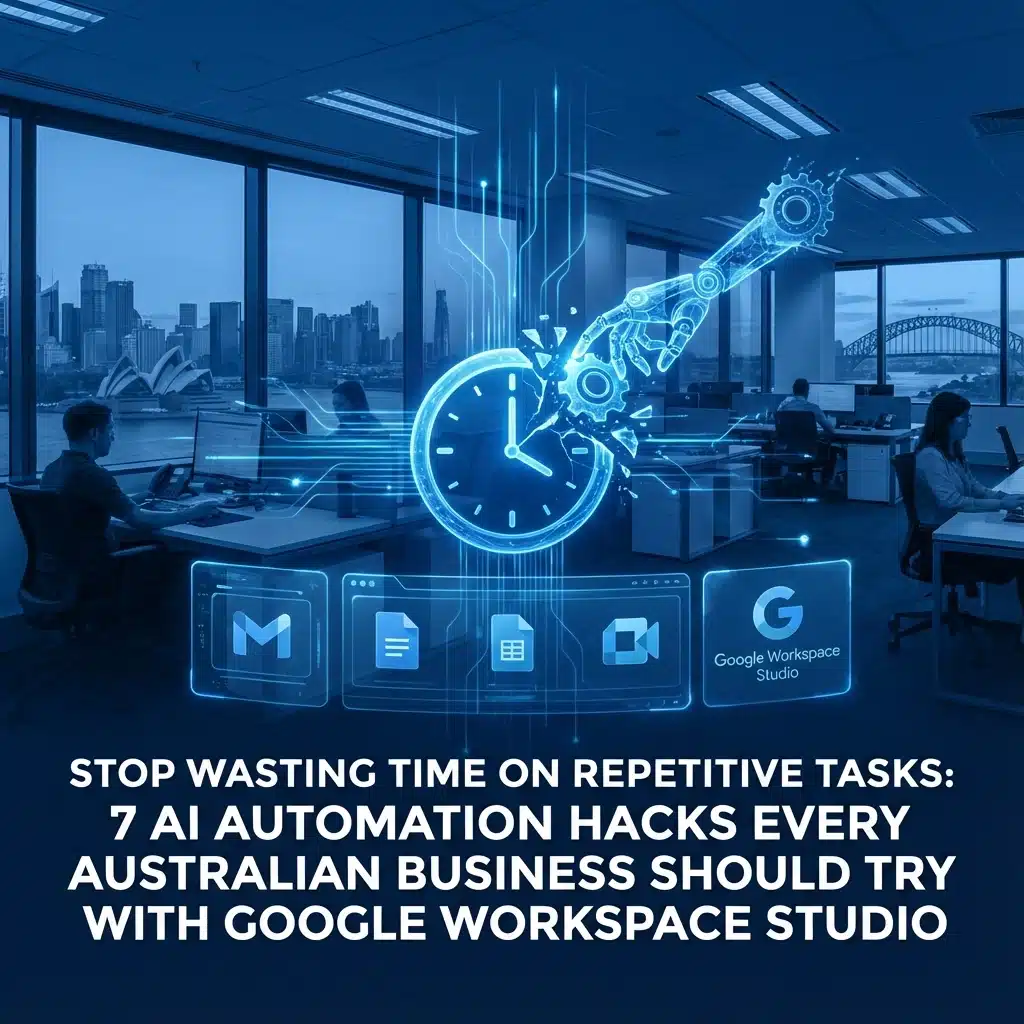
Let’s be honest – how many hours do you and your team spend each week on mind-numbing, repetitive tasks? Sorting emails, chasing approvals, preparing meeting briefs, copying data between systems… it adds up fast, doesn’t it?
If you’re running an Australian SMB and using Google Workspace, there’s some brilliant news. Google Workspace Studio has just landed, and it’s like having a super-smart assistant that can automate all those tedious tasks without you needing a computer science degree.
Think of it as your digital mate who never takes a sickie and works 24/7 to make your life easier. The best part? You don’t need to write a single line of code – just tell it what you want in plain English, and it gets to work.
What Makes Google Workspace Studio Different?
Before we dive into the hacks, here’s what makes this so accessible for Aussie businesses. Unlike other automation tools that require technical wizardry, Workspace Studio uses AI agents powered by Gemini that understand natural language. You literally just describe what you want automated, and the system builds it for you.
Plus, these agents work seamlessly across all your Google Workspace apps – Gmail, Drive, Sheets, Calendar, Chat – and can even connect to external tools like your CRM or project management software.

1. Stop Drowning in Your Inbox with Smart Email Prioritisation
We’ve all been there – you open your inbox Monday morning and there are 50+ emails waiting. Which ones are urgent? Which can wait?
Here’s your first automation hack: create an AI agent that automatically sorts and labels your emails based on priority. You can set it up to recognise patterns like:
- Emails from key clients (gets a “VIP Client” label)
- Messages containing urgent keywords like “ASAP” or “deadline”
- Invoices that need immediate attention
- Customer complaints that require quick response
The agent learns your patterns and gets smarter over time. One of our clients saved 30 minutes every morning just by not having to manually sort through their inbox.
How to set it up: Simply tell your agent something like “Label any email that contains a question and notify me in Chat” – and Gemini will create the automation within moments.
2. Get Your Daily Email Digest Without the Overwhelm
Instead of constantly checking emails throughout the day (and losing focus every time), set up an agent to deliver a daily summary of what’s actually important.
Your AI assistant can scan all unread emails and create a concise summary highlighting:
- Action items you need to handle
- Meeting requests requiring response
- Important updates from team members
- Customer enquiries that need attention
This means you can batch-process your emails once or twice a day instead of being constantly interrupted. Your productivity will thank you.

3. Never Miss Another Action Item Again
How many times have important tasks gotten buried in long email chains? Your AI agent can become your personal task detective, scanning emails and attachments to automatically extract:
- Action items with deadlines
- Invoice numbers and payment details
- Contact information from new prospects
- Follow-up requirements from client meetings
The agent can then create reminders in your calendar or add tasks to your project management system automatically. No more “Oh crikey, I forgot about that completely!” moments.
4. Walk into Every Meeting Fully Prepared
Here’s a game-changer for busy business owners: automated pre-meeting briefs. Your AI agent can pull together relevant context from:
- Previous email conversations with attendees
- Related documents in Google Drive
- Calendar notes from past meetings
- Any shared files or presentations
About 15 minutes before each meeting, you’ll receive a Chat message with all the background info you need. No more scrambling to remember what you discussed last time or frantically searching for that important document.
5. Streamline Approvals Without the Bottlenecks
Traditional approval workflows are rigid and often create frustrating delays. But with AI agents, you can build smart approval chains that actually think through decisions.
For example, your agent can:
- Review expense reports and flag unusual items
- Check purchase orders against budget constraints
- Evaluate leave requests based on team coverage
- Assess contract terms against company policies
The AI doesn’t just follow rules blindly – it can reason through complex situations and escalate only when human judgment is truly needed. This means faster decisions and fewer delays in your business processes.

6. Connect All Your Business Tools Without the Headaches
Most Aussie SMBs use multiple software tools – maybe Asana for projects, Salesforce for sales, Mailchimp for marketing, and Xero for accounting. Getting these systems to talk to each other usually requires expensive integrations or manual data entry.
Google Workspace Studio changes this game completely. Your AI agents can automatically:
- Update your CRM when a new lead emails you
- Create project tasks in Asana from client emails
- Sync calendar appointments with your job management system
- Transfer invoice data from Gmail to your accounting software
One construction business we work with cut their admin time by 60% just by automating data transfer between their quoting system and project management tool.
7. Generate Reports and Content in Minutes, Not Hours
This is where things get really impressive. You can set up multi-agent workflows where different AI agents handle different parts of complex tasks.
For instance, create a workflow for monthly business reports where:
- Agent 1 gathers data from various sources
- Agent 2 analyses trends and identifies insights
- Agent 3 drafts the report content
- Agent 4 formats it professionally
One of our international clients reduced their report drafting time by 90% using this approach. What used to take hours of manual work now produces ready-to-review reports in minutes.
The same principle works for other content too – proposal writing, marketing materials, policy documents, training guides. You name it.
Getting Started is Easier Than You Think
The beauty of Google Workspace Studio is that you don’t need to be tech-savvy to get started. Every agent is built by simply describing what you want in plain English. Plus, you can share agents with your team just like sharing a Google Doc, making it easy to scale automation across your entire business.
If you’re already using Google Workspace, you’re halfway there. If you’re not, it might be time to consider making the switch – especially with powerful cloud collaboration features that can transform how your team works together.
The key is to start small. Pick one repetitive task that drives you mental, automate it, then gradually expand from there. Before you know it, you’ll wonder how you ever managed without your AI assistants.
Remember, every minute you save on repetitive tasks is a minute you can spend growing your business, serving customers better, or maybe even getting home for dinner on time. And in today’s competitive market, that efficiency edge might be exactly what your business needs to thrive.

Mathew Hoffman
Owner of Cloud Computer Company, Mathew helps Australian businesses streamline their operations through smart cloud solutions and practical automation. When he’s not solving IT headaches, you’ll find him exploring the latest tech trends that actually make business sense.