
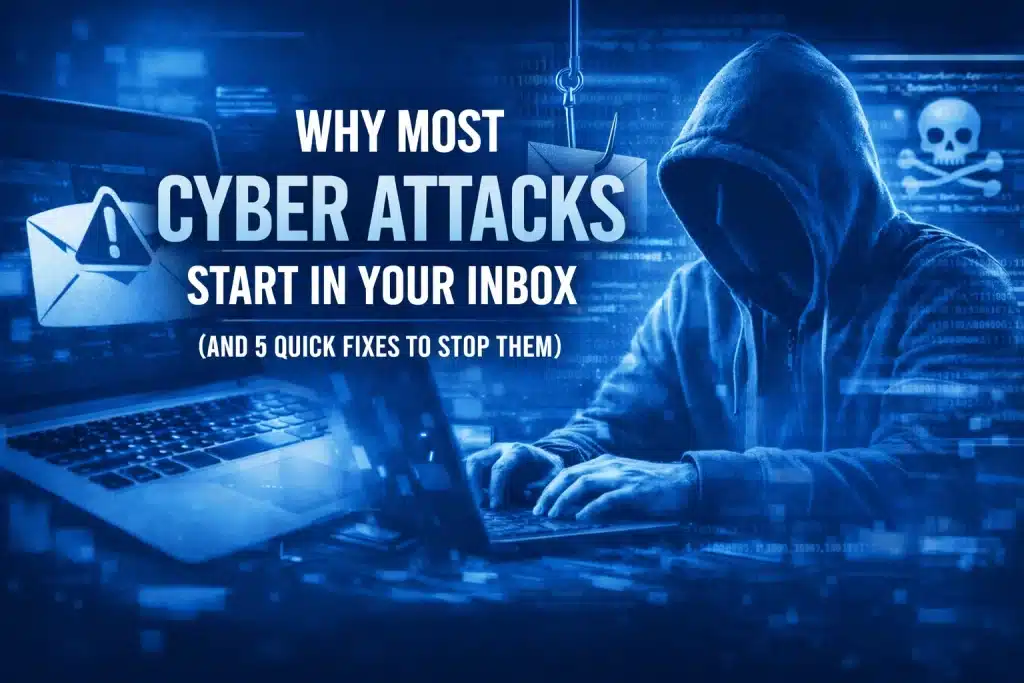
Ever sat down with your morning coffee, opened your laptop, and noticed an email that looks just a little bit off? Maybe it’s a “past due invoice” from a vendor you don’t recognize, or a “security alert” from a service you definitely use, like Google or Microsoft.
If you’ve ever hesitated before clicking a link in an email, trust your gut. Your inbox is the front line of a global digital war, and unfortunately, businesses are the primary targets.
At Cloud Computer Company, we see it every day. You can have the fanciest firewall in the world, but if one person on your team clicks a “Reset Password” link in a fake email, the front door is wide open.
In this post, we’re going to dive into why the humble inbox is so dangerous and, more importantly, give you five quick fixes you can implement right now to keep your business safe.
Why Your Inbox is a Hacker’s Best Friend
It might surprise you to learn that email is the delivery method for a staggering 94% of all malware. Think about that for a second. While we worry about sophisticated “hacker” movies with scrolling green text, the reality is much simpler: someone sent an email, and someone else clicked it.
Phishing, the practice of sending fraudulent emails to trick people into revealing sensitive information, is responsible for 90% of cybersecurity breaches worldwide. It’s not a small-scale operation, either. Every single day, an estimated 3.4 billion phishing emails are sent. That accounts for over 1% of all global email traffic.
The financial cost of these mistakes is enough to keep any business owner awake at night. On average, organizations face a loss of roughly $17,700 per minute due to phishing-related cyberattacks.
Why Does Phishing Work So Well?
Hackers aren’t just tech wizards; they’re amateur psychologists. They know that when we’re busy, we tend to skim. They use “brand impersonation” to make their emails look legitimate. In 2022 alone, over 30 million malicious messages were sent impersonating Microsoft products.
When an email looks like it’s from a brand you trust, your brain lowers its guard. In fact, research shows that 44% of people believe an email is safe simply because it features familiar branding.
5 Quick Fixes to Protect Your Inbox
The stats are scary, but the solution doesn’t have to be complicated. Here are five things you can do today to significantly lower your risk.
1. Turn on 2-Step Verification (MFA)
If you do only one thing from this list, let it be this. Multi-Factor Authentication (MFA), or 2-Step Verification, is the single most effective way to stop a hijacked account from becoming a disaster.
Even if a hacker manages to trick you into giving away your password, they still can’t get into your account without that second “key”: usually a code sent to your phone or a prompt on an app. It’s like having a deadbolt on your front door and a security guard standing behind it.
Most modern platforms, especially Google Workspace, make this incredibly easy to set up. If you’re managing a team, you can even enforce this across the whole company from your admin console.
2. Learn (and Teach) the “Hover” Trick
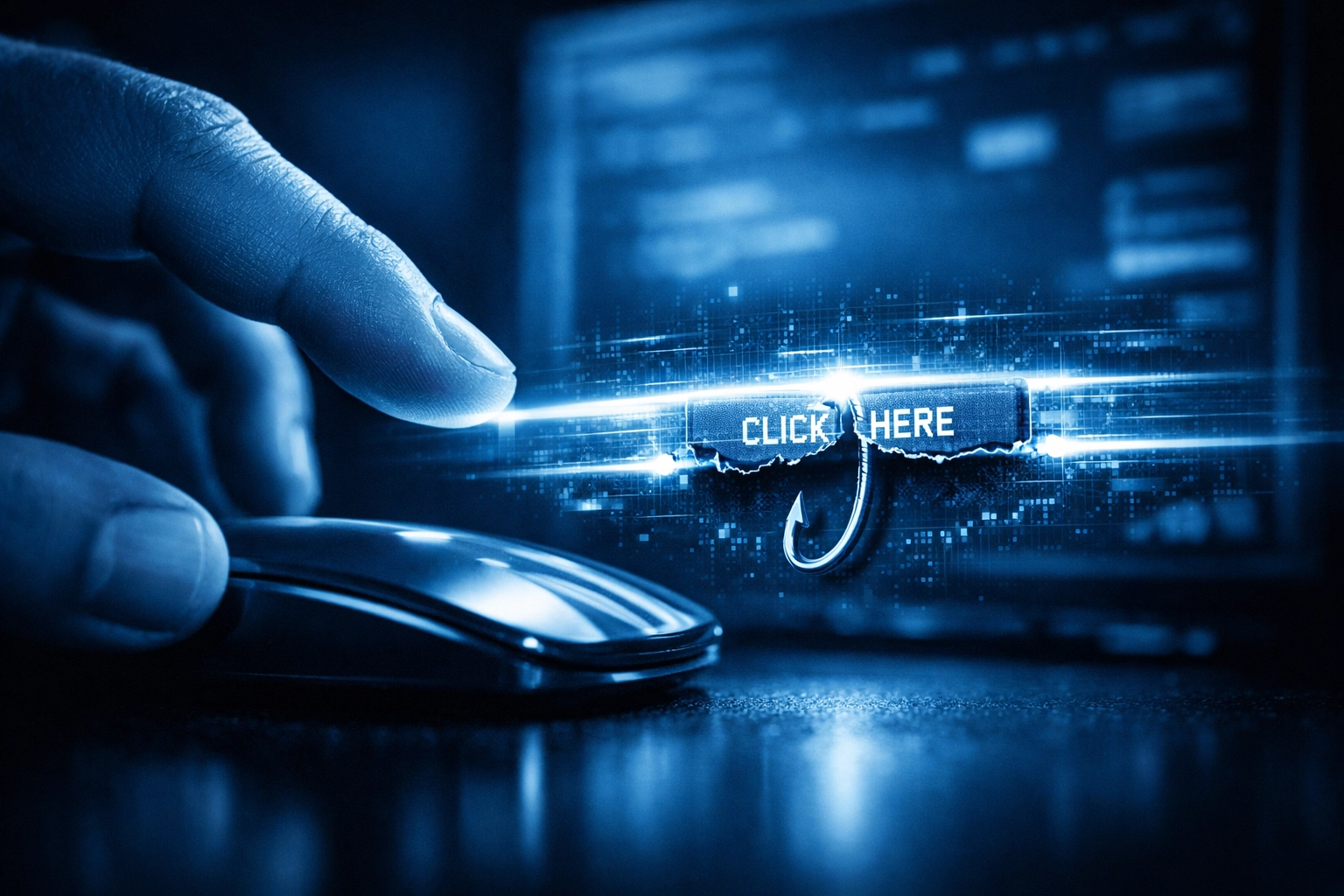
Phishing emails often use buttons or links that look legitimate. A button might say “Click Here to Update Your Account,” but where does it actually go?
Before you click anything in an email, hover your mouse cursor over the link or button (but don’t click!). A small box will usually appear at the bottom of your browser or email client showing you the real web address (URL).
If the email says it’s from “Google Support” but the link points to “update-your-account-123.top-secret-site.com,” delete it immediately. Teaching your team this one simple trick can prevent 80% of accidental clicks.
3. Check Your Google Workspace Security Settings
If you’re using Google Workspace for your business, you already have some of the best security tools in the world at your fingertips. The problem is that many businesses leave the default settings on and never look back.
There are specific records (called SPF, DKIM, and DMARC) that tell the rest of the world that when an email says it’s from your business, it actually is. If these aren’t set up correctly, hackers can “spoof” your domain, making it look like they are emailing your clients from your own address.
At Cloud Computer Company, we offer a Google Workspace Health and Security Checkup to ensure all these backend settings are dialed in. It’s a quick way to get peace of mind that your digital “pipes” are sealed.
4. Move Toward Passkeys and Better Password Habits
We’ve all been guilty of using the same password for three different accounts. But in a world where 36% of data breaches are caused by phishing, “Password123” just doesn’t cut it anymore.
The industry is moving toward “Passkeys”: a way to log in using your fingerprint, face scan, or screen lock. They are much harder for hackers to steal because there isn’t a “password” to phish in the first place.
If you aren’t ready for passkeys yet, at least start using a dedicated password manager. This ensures every account has a unique, complex password that you don’t have to remember.
5. Have a 15-Minute Recovery Plan
Ransomware is often the “endgame” of a phishing attack. Once they get into your inbox, they move into your files. If the worst happens and your data is locked up, how long would it take your business to get back online?
A “15-minute recovery plan” means having your backups organized and tested so that a total system wipe is just a minor inconvenience rather than a business-ending event. This is a core part of our Managed IT services, where we ensure that your “Plan B” is always ready to go.
Don’t Let Your Inbox Be Your Weakest Link
The reality is that cybercriminals are getting smarter every day. They are using AI to write better emails and creating fake websites that look identical to the real thing. But by staying alert and implementing these few quick fixes, you make yourself a much harder target.
Most hackers are looking for the low-hanging fruit. By turning on 2-Step Verification and keeping your Workspace settings tight, you’re basically moving your fruit to the top of the tree.
If you’re worried about your current setup or just want someone to take a look under the hood, we’re here to help. Whether it’s Consultancy to help you plan your strategy or Support when things go sideways, we’ve got your back.
Stay safe out there!
About Mathew

Mathew Hoffman is the Owner of Cloud Computer Company. With a career in IT spanning back to 1981, Mathew has held senior roles at the State Bank of NSW, Minet, Wilhelmsen Lines, and Rothmans of Pall Mall. A career highlight was his involvement in the technology operations for the Sydney 2000 Olympics. Since 2001, he has focused on providing expert IT consultancy to small and medium businesses. Mathew was one of the original Google Partners in 2008 and re-branded his firm to Cloud Computer Company in 2017. Based in Noosa, Mathew is a dedicated family man who enjoys the beach, a round of golf, and a lifelong passion for cricket, having played and coached in both Sydney and the Sunshine Coast.
Need a hand securing your business? Contact us today.
