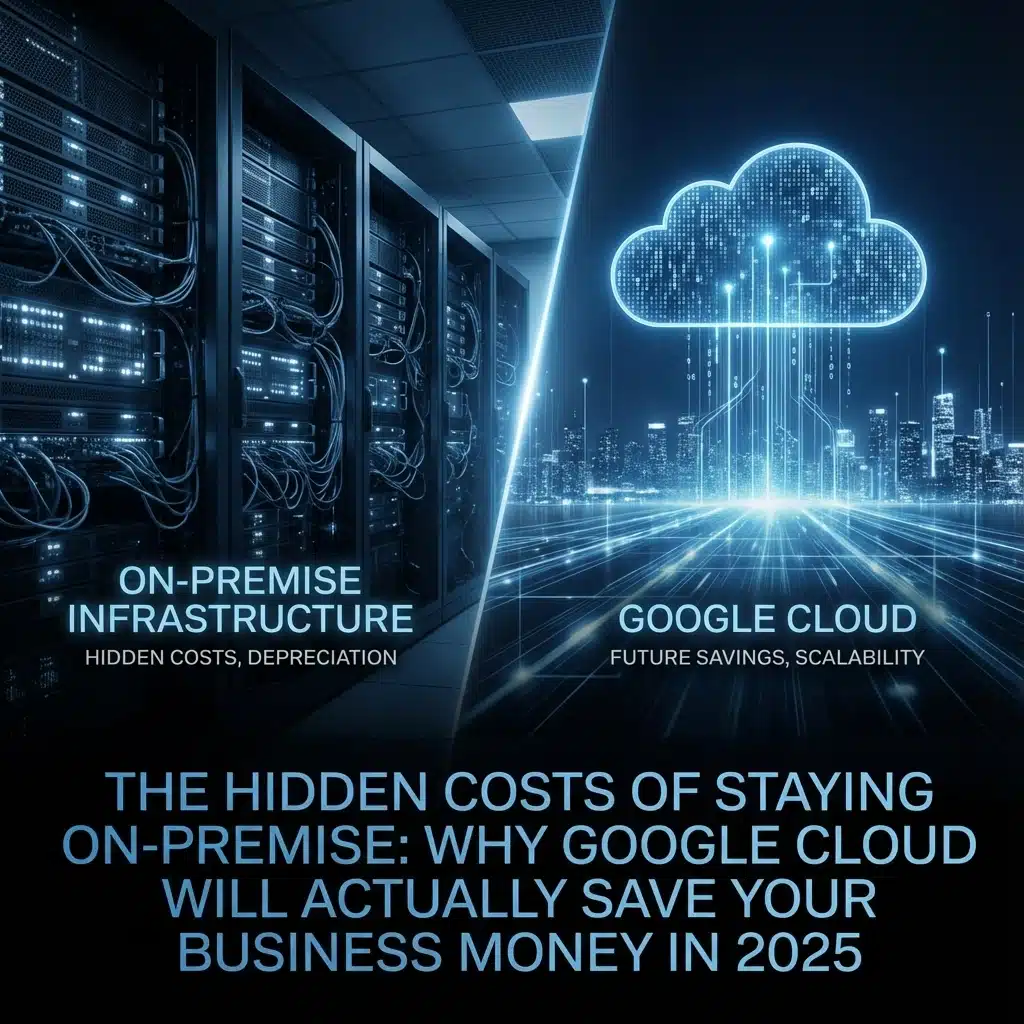
Let’s cut to the chase, if you’re running a small to medium business in Australia and still clinging to your on-premise servers, you’re probably bleeding money without even realising it. I know, I know, “But Mathew, we own our hardware!” Sure, you do. But what’s that ownership really costing you?
After helping hundreds of Australian businesses migrate to Google Cloud over the past few years, I’ve seen the same pattern over and over again. Business owners think they’re saving money by keeping everything in-house, but they’re missing the forest for the trees.
The Real Cost of “Owning” Your IT Infrastructure
When most business owners think about their IT costs, they focus on the obvious stuff, the server purchase, maybe some software licenses. But that’s like buying a car and only thinking about the purchase price while ignoring petrol, insurance, registration, and maintenance.

Let’s break down what your on-premise setup is actually costing you:
The Power Bill That Never Stops
Your servers are hungry beasts. A single rack server can consume anywhere from 300-800 watts continuously, that’s like running 15-40 light bulbs 24/7. In Australia, with our electricity prices, that single server could be costing you $500-1,500 per year just in power. Got multiple servers? Do the math.
But wait, there’s more. Those servers generate heat, which means your air conditioning is working overtime. During our lovely Australian summers, your cooling costs can double.
The IT Person You Can’t Afford to Lose
Here’s a fun scenario: Your main IT person goes on holiday to Bali for two weeks. On day three, your email server crashes. What now? You’re either paying emergency IT rates (think $200+ per hour on weekends), or your business is down until they get back.
Even if nothing breaks, you’re paying someone $70K-100K+ per year to essentially babysit your servers and handle updates. That’s fine if you’re a big company, but if you’re a 20-person accounting firm or a growing retail business, that salary could be funding your next growth initiative instead.
The Upgrade Treadmill
Technology moves fast. Your shiny new server from 2019 is already looking a bit long in the tooth. By 2025, it’ll need replacing. Server hardware typically needs refreshing every 3-5 years, and each time it’s a significant capital expense, often $10K-50K+ depending on your setup.
But here’s the kicker: you can’t just replace hardware. You need to plan for downtime, data migration, potential compatibility issues, and hoping nothing goes wrong during the transition. One botched migration can cost you days of productivity.
Google Cloud: The Numbers Game That Actually Makes Sense
Now, let’s talk about why Google Cloud isn’t just a tech trend, it’s a business decision that makes financial sense for most Australian SMBs.

Start Small, Pay Small
With Google Cloud, you’re not dropping $30K on servers on day one. You pay for what you use. Starting a new business? You might spend $50-200 per month initially. Growing fast? Your costs scale with your success, not ahead of it.
I’ve helped businesses reduce their IT infrastructure costs by 40-60% in their first year just by moving to Google Cloud. That’s real money back in your pocket.
The Hidden Savings Add Up Fast
Let’s say you’re paying $80K for an IT person, $2K annually for electricity, $3K for software licenses, and amortising $15K annually for hardware replacement. That’s $100K per year, minimum.
With Google Cloud and Google Workspace, you might spend $2K-8K annually for a small business, depending on your needs. Even medium businesses rarely hit $20K-30K annually unless they’re running heavy computational workloads.
Australian-Specific Benefits
Google has data centres in Sydney and Melbourne, which means your data stays in Australia (important for compliance), and you get better performance than hosting overseas. For Australian businesses dealing with privacy laws and data sovereignty requirements, this is huge.
Plus, you’re dealing with Australian pricing and support during Australian business hours. No more 3 AM calls to India when your email goes down.
When Cloud Doesn’t Make Sense (Being Honest Here)

I’m not going to sugarcoat this, cloud isn’t always the answer. If you’re running extremely predictable workloads 24/7 with massive computational requirements, and you have a dedicated IT team, on-premise might still be cheaper long-term.
I’ve seen companies with very specific use cases where keeping servers made sense. But here’s the thing, if you’re reading this blog, you’re probably not one of those companies. Those businesses have dedicated infrastructure teams and million-dollar IT budgets.
For 90% of Australian SMBs, the combination of reduced staffing needs, eliminated capital expenses, automatic updates, and built-in redundancy makes Google Cloud the obvious choice.
The Migration Reality Check
“But Mathew, what about the migration process? Won’t that be expensive and disruptive?”
Fair question. Yes, there’s a transition period, and yes, it requires planning. But here’s what I tell every client: the cost of migration is a one-time expense, while the cost of staying on-premise is a recurring drain that gets worse every year.
Most of our clients see their migration costs paid back within 6-12 months through reduced ongoing expenses. And if you work with experienced partners (like us at Cloud Computer Company), the migration process is smooth and minimally disruptive.

Real-World Example: Local Success Story
Last year, we helped a 30-person marketing agency in Brisbane move from their on-premise setup to Google Cloud. They were spending $120K annually on IT infrastructure and staffing. After migration, their ongoing costs dropped to $18K annually.
That $102K annual saving? They used it to hire two more talented staff members and invest in business development. Their words, not mine: “Moving to cloud was the best business decision we made in 2024.”
The 2025 Reality
Here’s what’s happening in 2025 that makes this decision even more important: AI integration, remote work capabilities, and cybersecurity threats are all pushing businesses toward cloud solutions.
Google Cloud’s AI capabilities are baked into their platform. Want to add AI features to your business processes? It’s built-in. Try doing that with your 2019 Dell server.
Remote work isn’t going anywhere, and managing VPN access and security for remote workers on-premise is a nightmare. With Google Cloud and Workspace, your team can work securely from anywhere without you losing sleep over security.

Making the Switch: Your Next Steps
If you’re convinced (and you should be), here’s how to move forward:
- Audit your current costs – Add up everything: hardware, electricity, IT staffing, software licenses, and maintenance contracts
- Calculate your cloud costs – Use Google’s pricing calculator with realistic usage estimates
- Plan your migration – Work with experienced partners who understand Australian business requirements
- Execute in phases – You don’t have to move everything at once
The math is simple: most Australian SMBs save 30-70% on IT costs by moving to Google Cloud, while getting better reliability, security, and flexibility.
Stop throwing good money after bad on outdated infrastructure. Your competitors who made the switch are already reaping the benefits.

About Mathew Hoffman
Owner of Cloud Computer Company, Mathew has been helping Australian businesses transition to cloud-based solutions for over a decade. With a no-nonsense approach to technology, he specialises in Google Workspace and Cloud implementations that actually make business sense. When he’s not talking clouds, you’ll find him exploring Australia’s great outdoors.