
Let’s be honest, email security isn’t exactly the most exciting topic to discuss over your morning coffee. But here’s the thing: Gmail security mistakes are costing businesses thousands of dollars, countless hours of cleanup, and sometimes their reputation.
The good news? Most of these vulnerabilities are ridiculously easy to fix once you know what you’re looking for. I’ve been in the IT game since 1981, and I can tell you that the most common security breaches aren’t caused by sophisticated hackers using advanced techniques. They’re caused by simple oversights that businesses make every single day.
Let’s dive into the seven biggest Gmail security mistakes I see businesses making, and more importantly, how to fix them before they become a problem.
1. Weak Passwords and No Multi-Factor Authentication (MFA)
This one’s the biggie. If I had a dollar for every time I’ve seen a business get compromised because someone was using “Password123” or recycling the same password across multiple platforms, I’d be retired on a beach somewhere (well, I’m already in Noosa, so maybe a nicer beach).
The Problem: Attackers use credential stuffing, basically trying stolen password lists across hundreds of platforms, to break into accounts. Without MFA, a compromised password means they’re in.
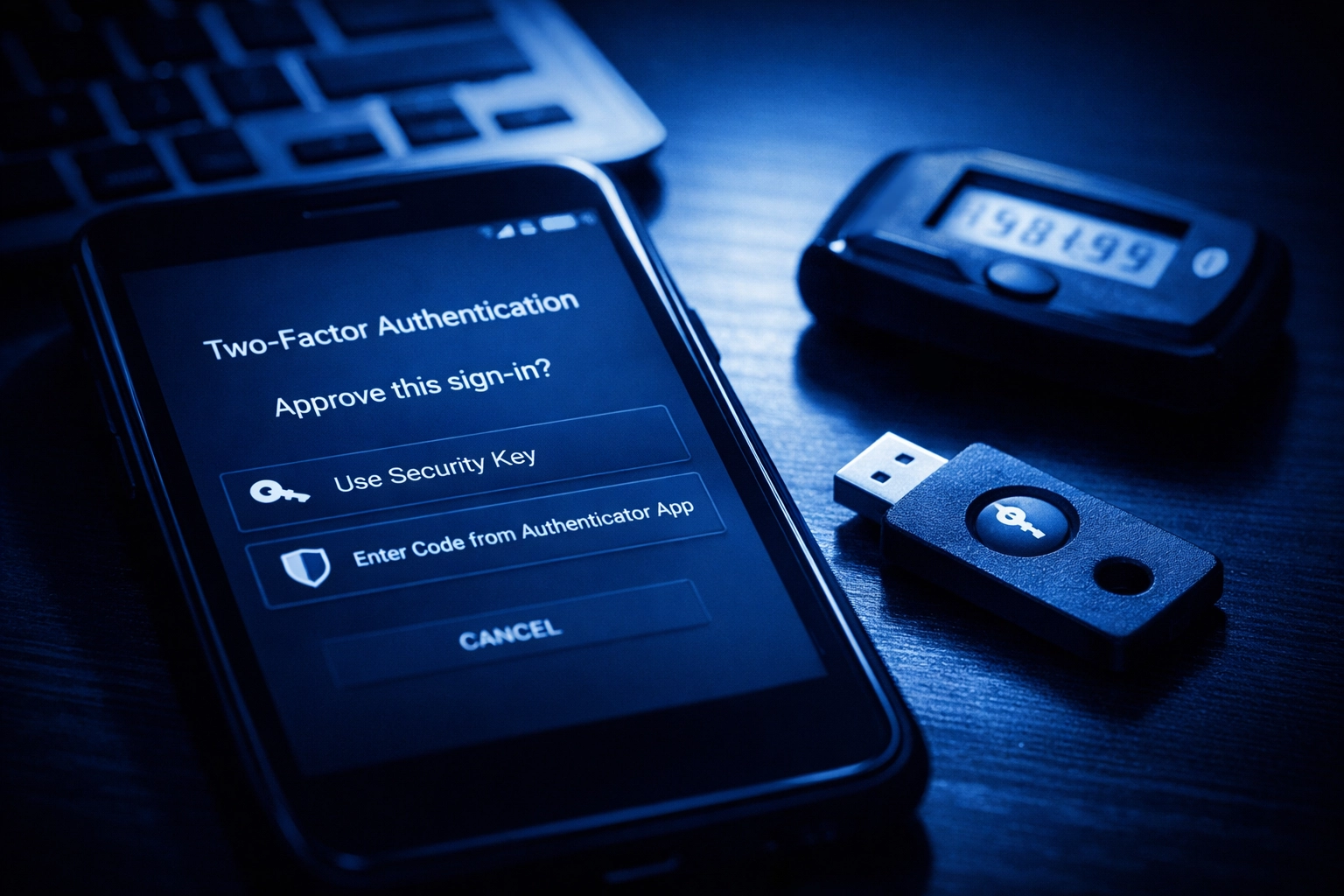
The Fix: Enforce MFA or passkeys across every single business account. No exceptions. Use authenticator apps like Google Authenticator or physical security keys for the best protection. Yes, your team might grumble about the extra step, but trust me, it’s nothing compared to the headache of a compromised account.
2. Phishing Training? What Phishing Training?
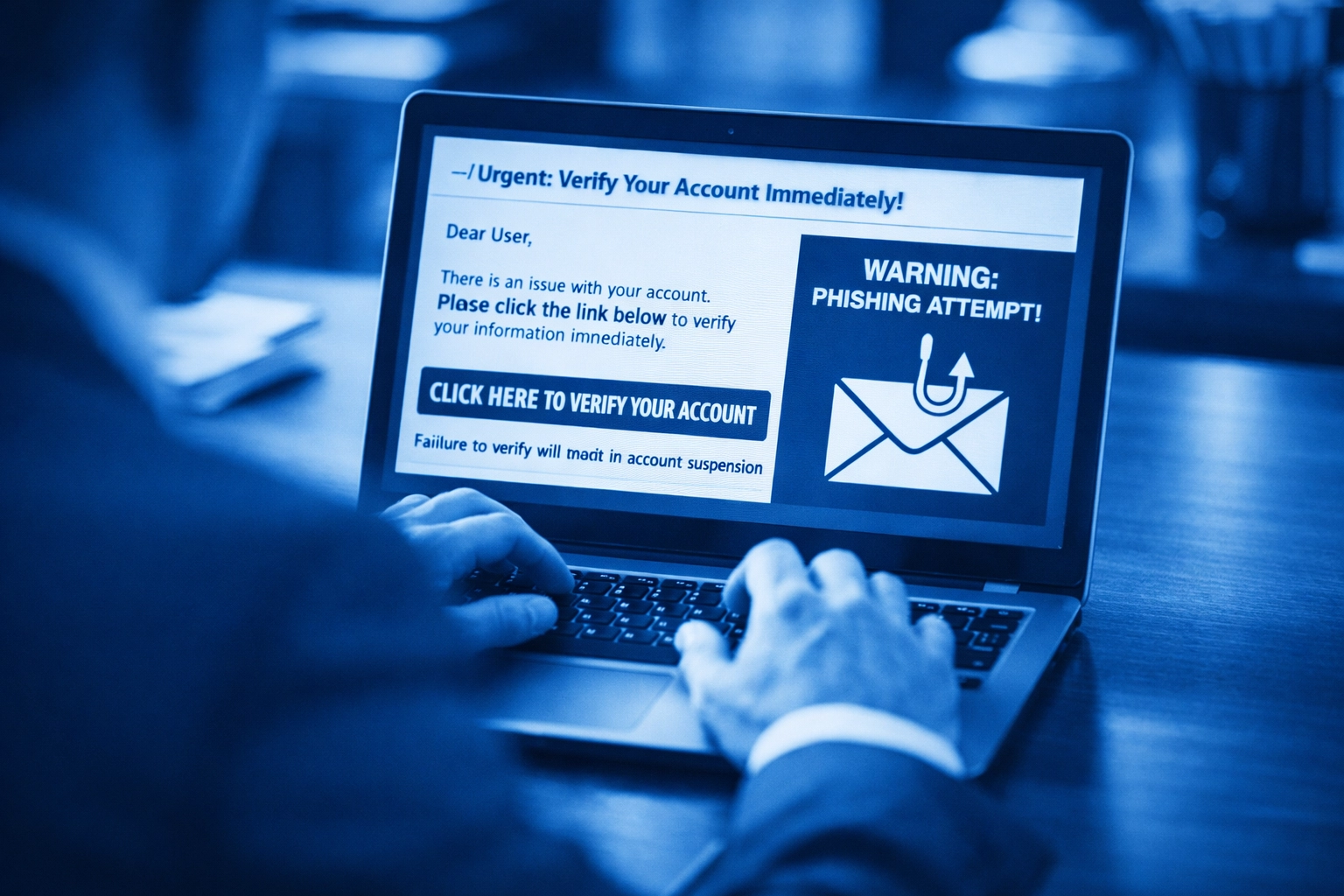
Your employees are your first line of defense, or your weakest link. Phishing emails are getting scary good these days. They’re not the obvious “Nigerian prince” emails anymore. They’re convincing, they look legitimate, and they’re designed to trick even savvy users.
The Problem: Staff clicking suspicious links, opening dodgy attachments, or falling for sender spoofing because they haven’t been trained to spot the red flags.
The Fix: Regular phishing awareness training isn’t optional, it’s essential. Teach your team to verify sender identities through alternative communication methods (like picking up the phone). Don’t trust the sender name or even Gmail’s blue verification checkmark alone. When in doubt, reach out through a different channel to confirm.
3. Oversharing Sensitive Information via Email
Email was never designed to be a secure vault for sensitive information, yet I see businesses sending client data, financial records, and confidential documents through regular Gmail messages all the time.
The Problem: Once you hit send, you’ve lost control of that information. It can be forwarded, screenshotted, or compromised if either party’s account gets hacked.
The Fix: Use encrypted file-sharing services for sensitive documents. Google Workspace offers confidential mode in Gmail, which lets you set expiration dates and revoke access to emails. For highly sensitive information, consider using dedicated secure file transfer solutions instead of email altogether.
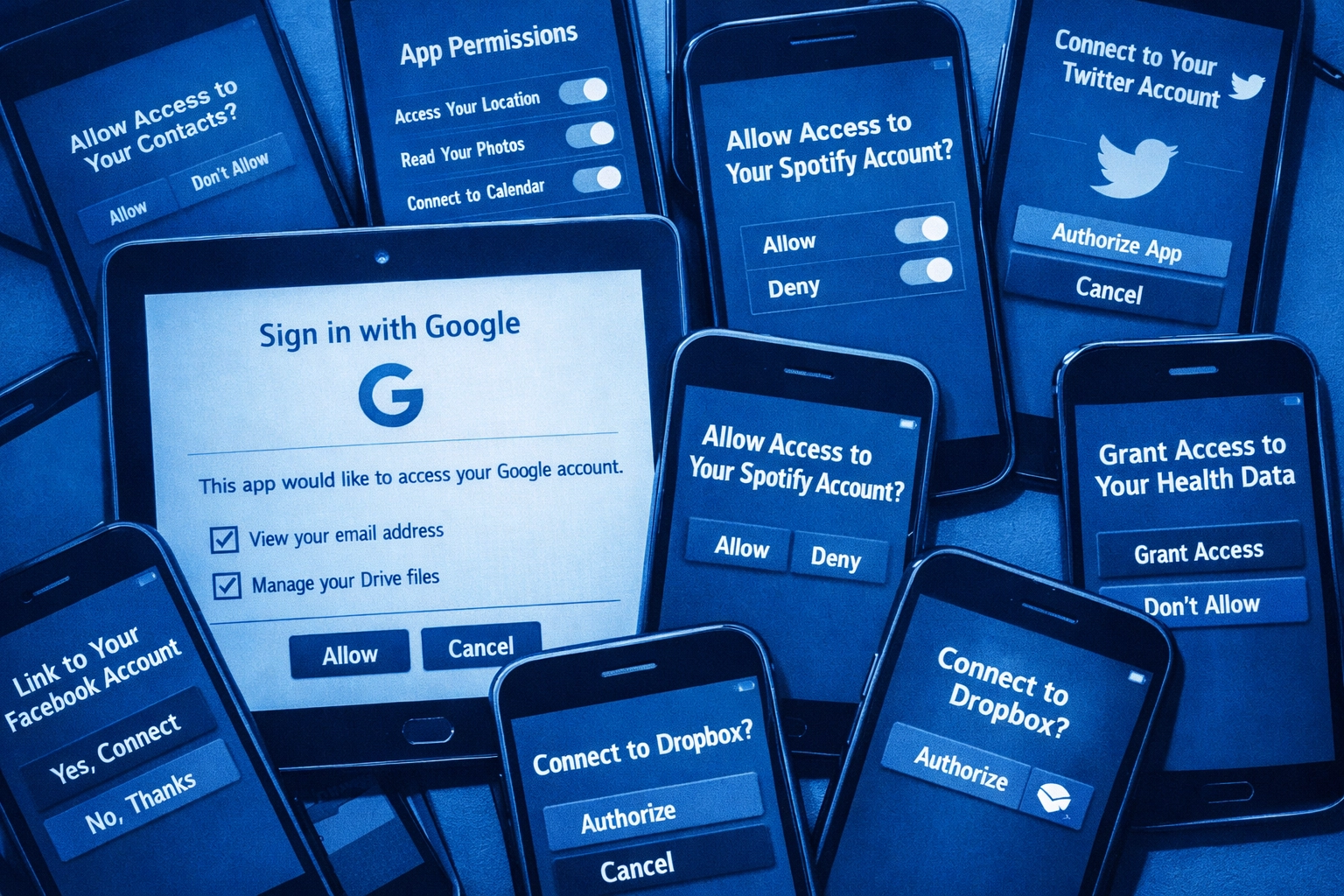
4. Not Auditing Third-Party App Access
Remember that cool productivity app you connected to your Gmail account two years ago? The one you haven’t used since? Yeah, it still has access to your email.
The Problem: Every third-party app you grant access to expands your attack surface. If that app gets compromised or turns malicious, your Gmail data is at risk.
The Fix: Regularly audit which third-party applications have access to your Gmail and Google Workspace accounts. Go to your Google Account settings, check connected apps, and remove anything you don’t actively use or recognize. Do this quarterly: set a calendar reminder right now.
5. Ignoring SPF, DKIM, and DMARC Records
These acronyms might sound like alphabet soup, but they’re critical for email authentication and deliverability. As of November 2025, Gmail started outright rejecting emails that don’t have proper authentication configured.
The Problem: Without properly configured SPF, DKIM, and DMARC records, your legitimate business emails might get blocked or flagged as spam. Worse, scammers can spoof your domain and send emails that appear to come from your business.
The Fix: Audit all systems sending email on behalf of your domain. Create comprehensive SPF records listing every authorized sending IP address. Ensure DKIM signatures are properly configured and that your DMARC policy is set to at least “quarantine.” If you’re not sure where to start, use Gmail Postmaster Tools to check your compliance status.
6. Leaving Legacy Accounts Active
Former employee accounts that haven’t been properly disabled are like leaving the back door unlocked when you go on holiday. They’re forgotten, unmonitored, and incredibly vulnerable.
The Problem: Legacy accounts from ex-employees, shared inboxes without proper controls, and dormant accounts create easy entry points for attackers. These accounts often have weak or unchanged passwords and no MFA.
The Fix: Implement a proper offboarding process. When someone leaves, immediately disable their account, transfer important data to the appropriate person, and remove all access. Conduct regular audits of all accounts: including shared inboxes: to ensure nothing’s slipping through the cracks. Set up admin alerts for unusual sign-in activity on all accounts.
7. No Data Loss Prevention (DLP) Rules
If you’re not using Data Loss Prevention rules in Google Workspace, you’re essentially driving without seatbelts. You might be fine most of the time, but when something goes wrong, it goes really wrong.
The Problem: Without DLP rules, there’s nothing stopping an employee (or a compromised account) from accidentally or intentionally sending sensitive information outside your organization.
The Fix: Implement DLP policies in Google Workspace that automatically detect and block emails containing sensitive information like credit card numbers, tax file numbers, or confidential client data. You can configure rules to warn users, block sending, or require additional approval before sensitive emails leave your organization.
Let’s Get Your Gmail Security Sorted
Look, I get it. This list might feel overwhelming, especially if you’re realizing you’re making several of these mistakes right now. But here’s the thing: you don’t have to tackle this alone.
At Cloud Computer Company, we run comprehensive security audits for businesses using Google Workspace. We’ll identify your vulnerabilities, implement the fixes, and set up ongoing monitoring to keep your email environment secure. Think of it as a health check for your digital communications.
The cost of fixing these issues is nothing compared to the cost of a data breach, account takeover, or business email compromise. And honestly? Most of these fixes can be implemented in an afternoon once you know what you’re doing.
If you’re unsure where your business stands security-wise, reach out for a chat. We’ll walk you through what’s working, what’s not, and create a plan to lock down your Gmail environment without making things complicated for your team.
Because at the end of the day, good security shouldn’t be complicated: it should just work.
About Mathew

Mathew Hoffman is the founder of Cloud Computer Company. He started in the IT industry in 1981 and held senior roles at the State Bank of NSW, Minet Australia, Wilhelmsen Lines, and Rothmans of Pall Mall. A career highlight was working on the Sydney 2000 Olympic Games. Since 2001, he’s provided IT consultancy for businesses and became one of the original Google Partners in 2008. The company re-branded to Cloud Computer Company in 2017 and quickly became a front-runner in innovative cloud-based solutions. Now based in Noosa, Mathew loves spending time with family, at the beach, playing golf, or coaching cricket.
